A talented team alone does not guarantee successful outcomes. Many organizations employ skilled professionals yet still struggle with missed deadlines, duplicated work, communication gaps, and inefficient workflows.
The difference between average teams and high-performing teams is often coordination.
When everyone understands their responsibilities, has visibility into project progress, and works from the same source of information, collaboration becomes easier and productivity increases naturally.
Whether your employees work in the office, remotely, or across multiple departments, improving team coordination can dramatically enhance business performance.
This guide explores ten practical strategies that organizations can implement to build stronger coordination and achieve better operational results.
Modern businesses manage more projects, more employees, more clients, and more information than ever before.
Without structured coordination, organizations often experience:
- Constant follow-ups
- Duplicate work
- Missed deadlines
- Confused responsibilities
- Delayed approvals
- Inefficient meetings
Improving coordination allows teams to spend less time searching for information and more time delivering meaningful work.
1. Define Clear Roles and Responsibilities
Every employee should understand:
- What they own
- What they are responsible for
- Who they report to
- Which projects require their attention
Clearly defined ownership reduces confusion and improves accountability.
One of the biggest coordination challenges is scattered information.
Instead of storing updates across emails, spreadsheets, messaging apps, and shared folders, keep everything in one centralized workspace.
When information is easy to find, teams make faster decisions.
Managers shouldn't need to ask for status updates throughout the day.
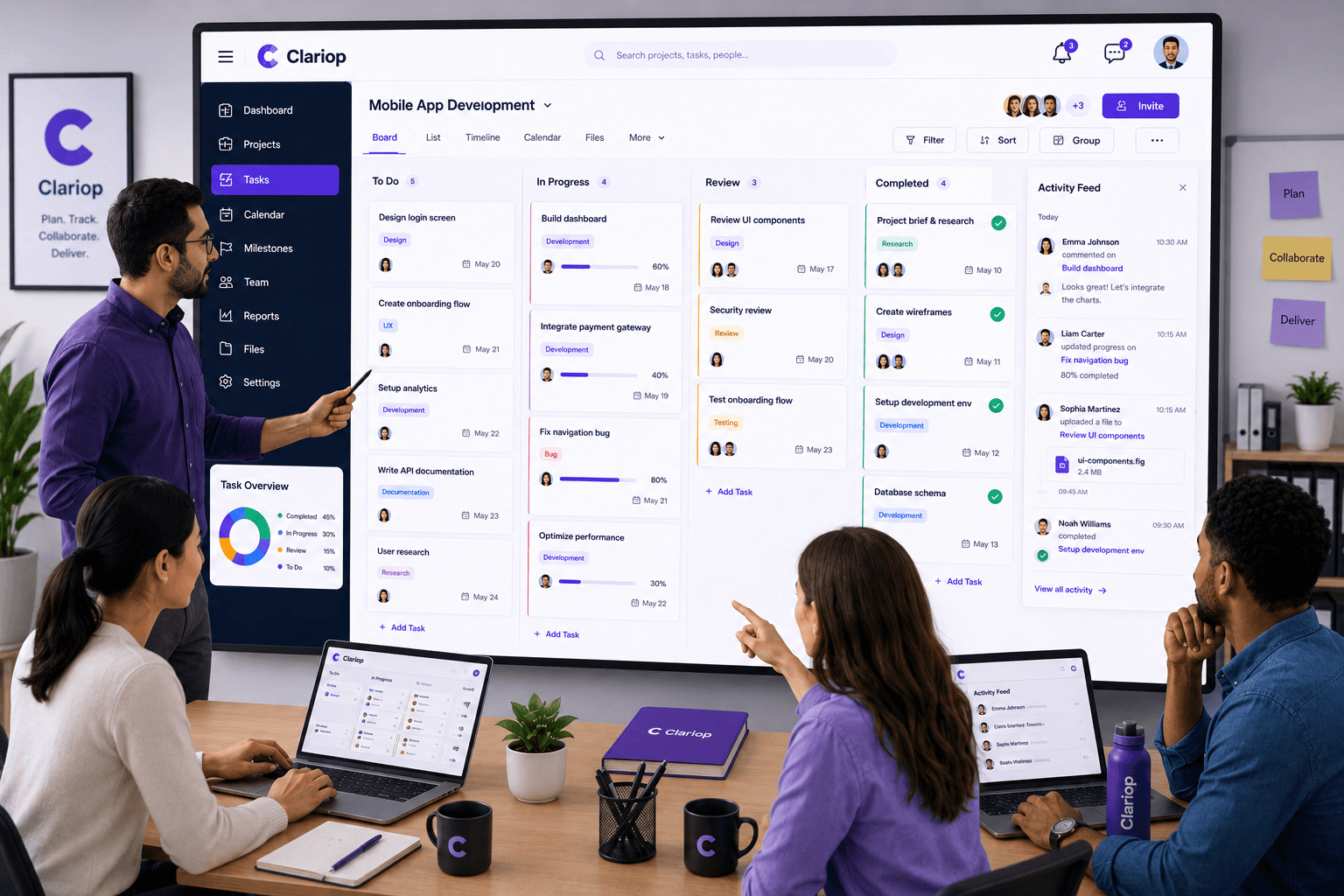
A shared activity feed allows everyone to instantly see:
- Completed work
- New assignments
- Recent comments
- Updated priorities
- Progress changes
Visibility reduces unnecessary communication while improving transparency.
Conversations are most effective when they happen where the work exists.
Instead of discussing tasks through separate email threads, attach comments directly to the relevant task or project.
This creates a permanent history that everyone can reference.
Meetings should solve problems—not replace visibility.
If everyone already has access to project updates, meetings become shorter and more productive because teams can focus on decisions rather than status reporting.
Marketing, sales, operations, finance, and development often work on the same projects.
Sharing priorities across departments helps everyone understand dependencies and reduces conflicting objectives.
Coordination improves when managers understand how work is distributed.
Regular workload reviews help prevent:
- Employee burnout
- Uneven task distribution
- Project delays
- Missed deadlines
Balanced teams deliver more consistent results.
8. Standardize Workflows
Using consistent processes across projects makes coordination easier.
Examples include:
- Standard task statuses
- Approval workflows
- File naming conventions
- Project templates
- Review procedures
Consistency reduces learning curves and improves execution.
When everyone can see project progress, responsibilities become clearer.
Visible ownership encourages team members to complete work on time and communicate issues early.
Accountability grows naturally when progress is transparent.
As organizations expand, manual coordination becomes increasingly difficult.
Team coordination software provides:
- Shared workspaces
- Activity feeds
- Task updates
- Notifications
- Comments
- File sharing
- Calendar visibility
- Project reporting
Everything stays connected, reducing confusion and improving productivity.
Organizations often reduce productivity by:
- Assigning unclear responsibilities
- Storing information in multiple locations
- Relying only on meetings
- Ignoring workload balance
- Keeping communication disconnected from tasks
- Failing to share project visibility
Recognizing these issues is the first step toward building stronger coordination.
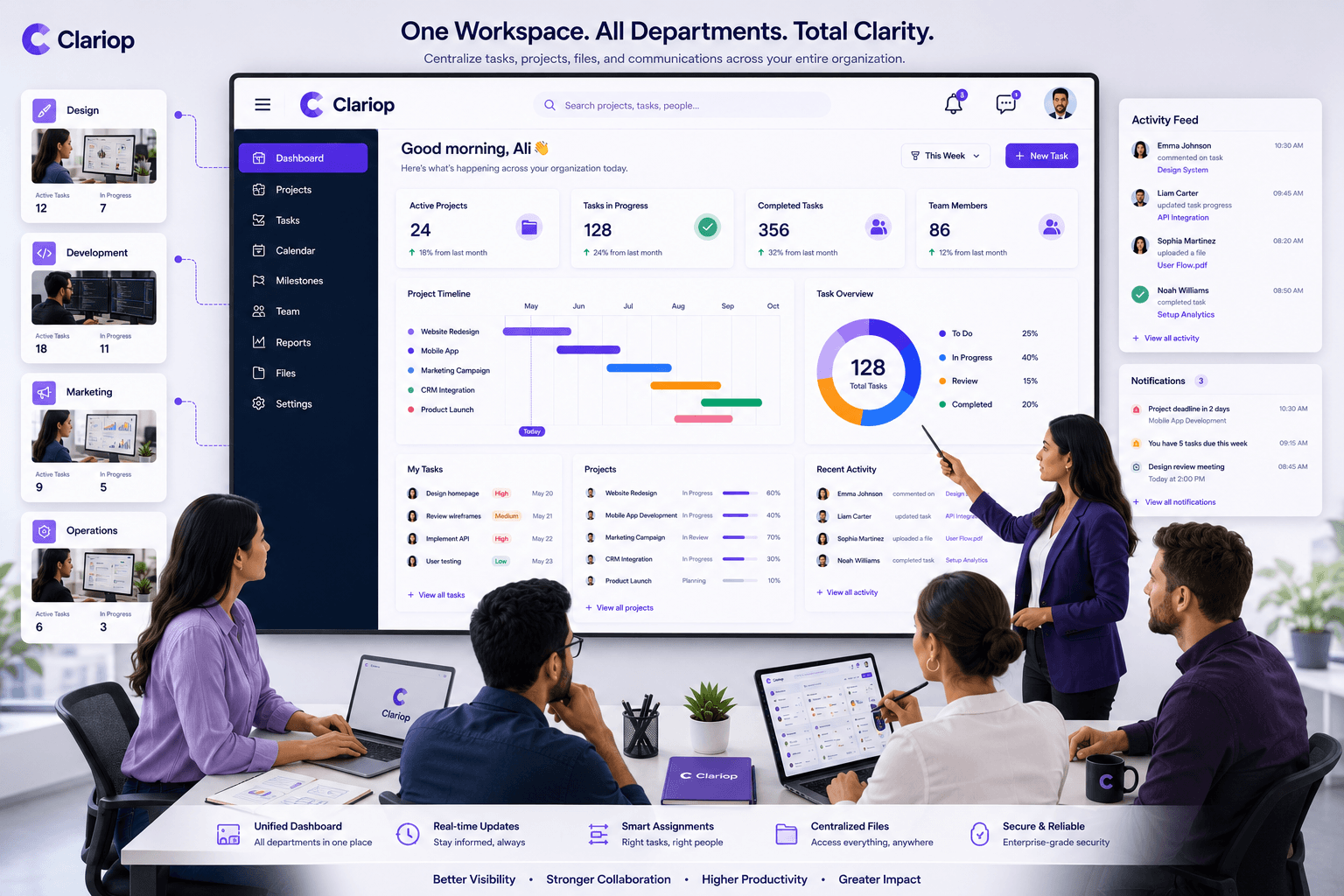
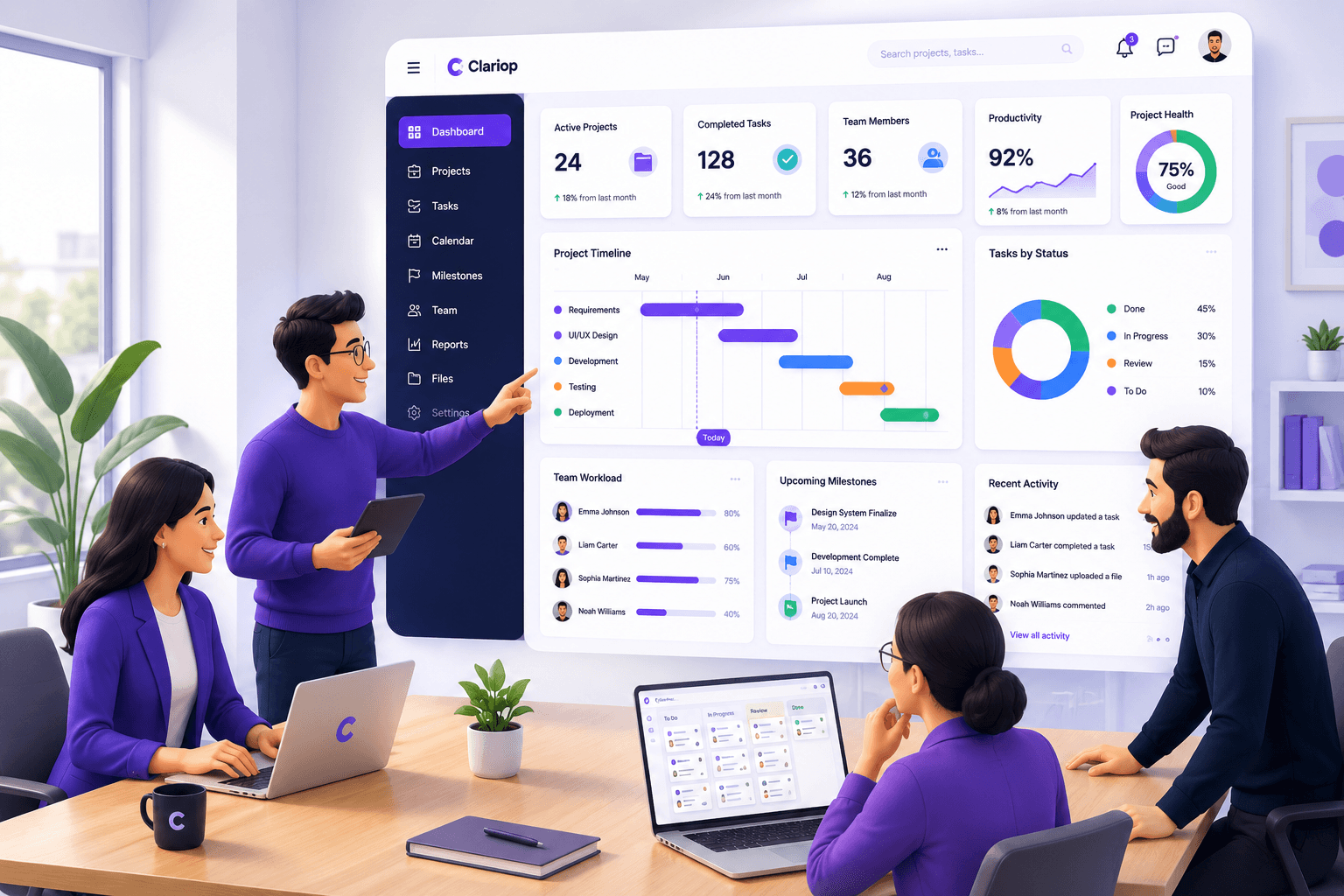
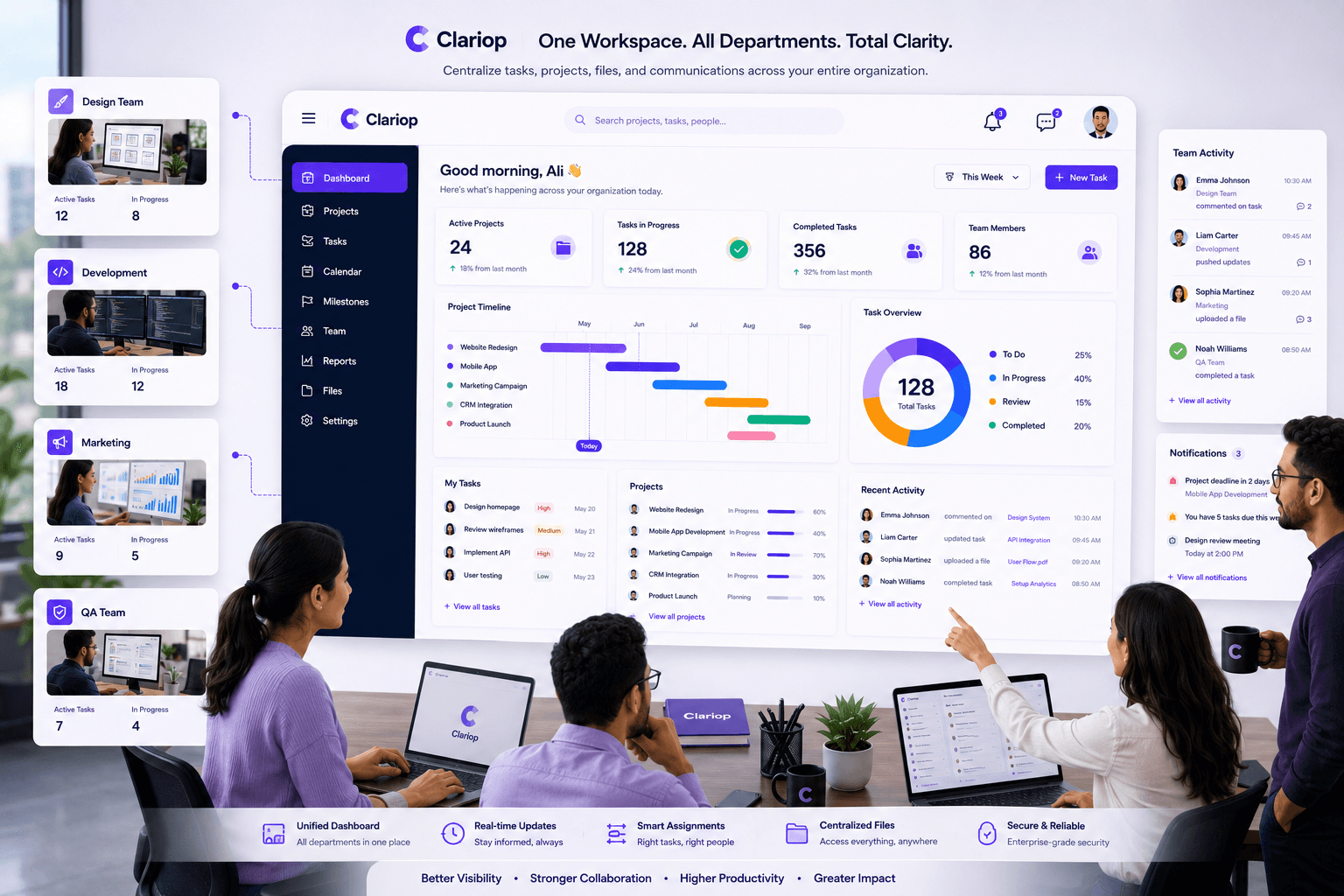
Clariop helps organizations create a transparent and organized work environment where everyone stays informed.
Managers can assign tasks, review activity updates, monitor workloads, share documents, and communicate through task-level comments—all from one centralized platform.
By connecting projects, people, and progress, Clariop reduces operational friction and helps teams stay aligned without relying on constant follow-up meetings or scattered communication tools.
Strong coordination is not about increasing communication—it's about improving clarity.
When employees understand priorities, responsibilities, and project progress, they can work more independently while remaining connected to the team's goals.
Organizations that invest in structured coordination create more productive teams, deliver projects more consistently, and build a stronger operational foundation for future growth.
How can organizations improve team coordination?
By defining clear responsibilities, centralizing information, improving visibility, standardizing workflows, and using team coordination software.
Why is team coordination important?
It reduces confusion, improves accountability, strengthens collaboration, and helps projects move forward efficiently.
Does better coordination reduce meetings?
Yes. When teams have access to real-time updates and activity feeds, fewer meetings are needed for routine status reporting.
How does team coordination software help?
It centralizes tasks, updates, comments, files, notifications, and project visibility, making it easier for everyone to stay aligned.
When everyone works from the same source of truth, projects move faster and teams stay aligned. Start your 30-day free trial with Clariop and simplify coordination through shared workspaces, activity updates, comments, notifications, and structured workflows.

 James Okafor