Successful businesses are built on teams that work together toward shared goals. However, working together doesn’t automatically mean everyone is aligned. Without clear coordination, even highly skilled employees can experience confusion, duplicated work, missed deadlines, and communication gaps.
Team coordination is the process of ensuring that every team member understands their responsibilities, knows the current status of work, and has visibility into how their contributions support the larger objective.
Whether you're managing a small startup or a growing enterprise, strong team coordination improves productivity, accountability, and overall operational efficiency.
This guide explains what team coordination is, why it matters, and how organizations can build better coordination across projects and departments.
Team coordination is the structured process of organizing people, tasks, information, and workflows so that everyone works toward the same objective.
Unlike casual communication, coordination focuses on:
- Clear responsibilities
- Shared visibility
- Progress updates
- Activity tracking
- Timely decision-making
- Organized workflows
Good coordination reduces uncertainty and keeps projects moving forward smoothly.
As organizations grow, coordination becomes more challenging.
Different departments, remote employees, changing priorities, and multiple projects create complexity that can't be managed through emails or occasional meetings alone.
Poor team coordination often leads to:
- Duplicate work
- Delayed decisions
- Missed deadlines
- Lack of accountability
- Poor visibility
- Increased operational costs
Strong coordination helps everyone stay informed without unnecessary meetings or constant follow-ups.
Clear Responsibilities
Every team member should know:
- What they are responsible for
- Who they report to
- Which tasks require attention
- What success looks like
Clarity eliminates confusion.
When project updates, files, and task discussions are scattered across different tools, employees spend more time searching than working.
Centralizing information improves efficiency and keeps everyone aligned.
Real-Time Activity Updates
Instead of asking for status updates repeatedly, team members should be able to see:
- Completed work
- Recent changes
- Comments
- New assignments
- Progress updates
Real-time visibility improves decision-making.
Shared Accountability
Coordination improves when ownership is clearly defined.
Every task should have one responsible owner, while managers maintain visibility across the team's workload.
Organizations frequently struggle with:
Too Many Communication Channels
Using emails, messaging apps, spreadsheets, and separate file storage creates fragmented information.
Unclear Ownership
When multiple people assume someone else is responsible, important work is often delayed.
Lack of Visibility
Managers struggle to understand:
- Who is working on what
- Which tasks are delayed
- Which projects need attention
Frequent Status Meetings
Many meetings exist only because there isn't enough visibility into ongoing work.
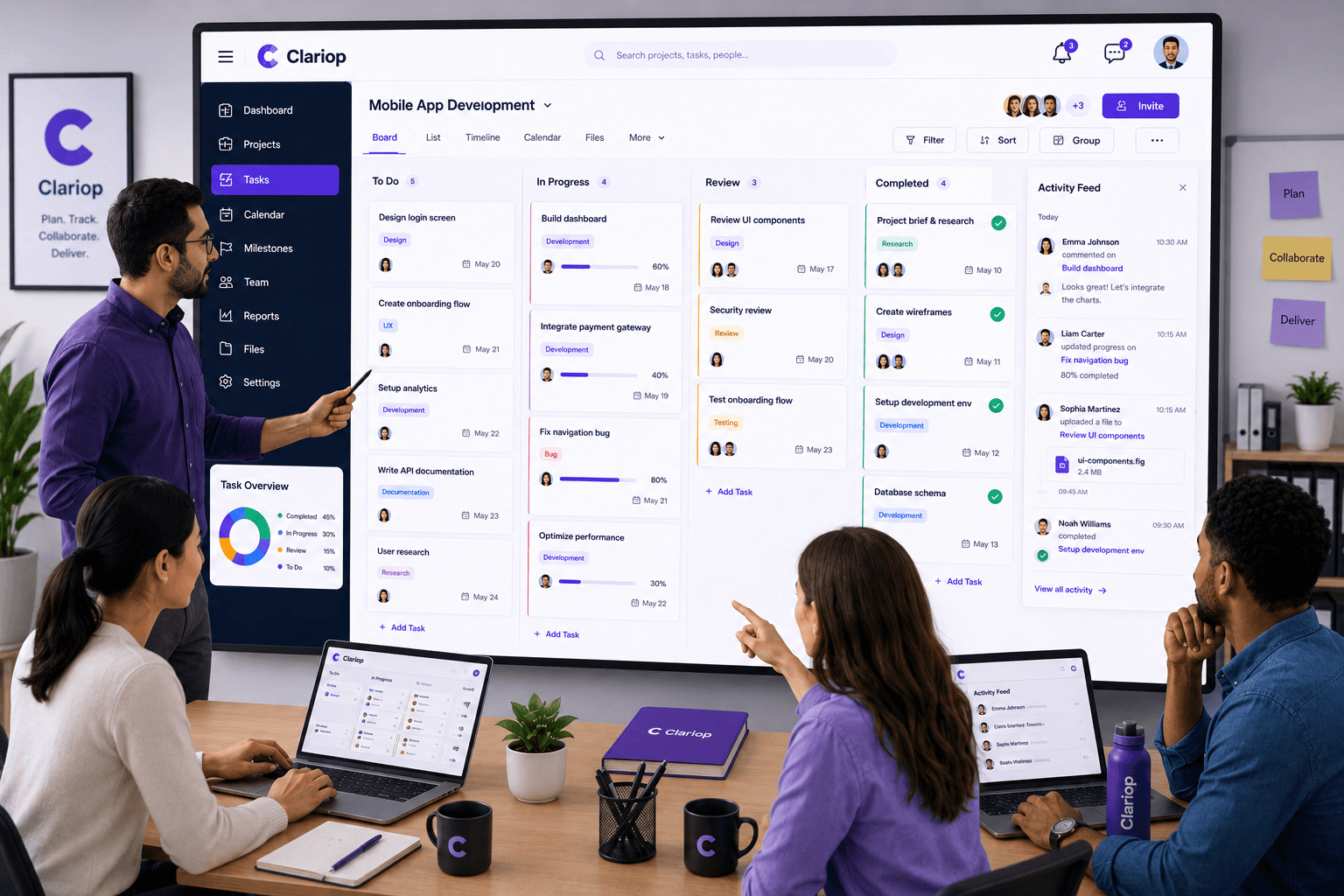
A centralized activity feed often reduces the need for unnecessary meetings.
Keep Everyone Working from One Workspace
Projects, tasks, documents, and updates should be available in one centralized location.
Encourage Task-Level Communication
Rather than discussing work through scattered emails, keep comments and updates attached directly to the related task.
Share Progress Transparently
Visible progress encourages accountability and helps everyone understand project status.
Define Roles Clearly
Each person should understand their responsibilities before work begins.
Review Coordination Regularly
Managers should regularly review team workload, priorities, and progress to identify potential bottlenecks.
These terms are often used interchangeably, but they are not identical.
Team Collaboration focuses on people working together to complete work through discussions, brainstorming, and communication.
Team Coordination focuses on organizing work, responsibilities, updates, and workflows so everyone stays aligned.
Strong collaboration benefits from strong coordination—but coordination can exist even without built-in chat or messaging tools.
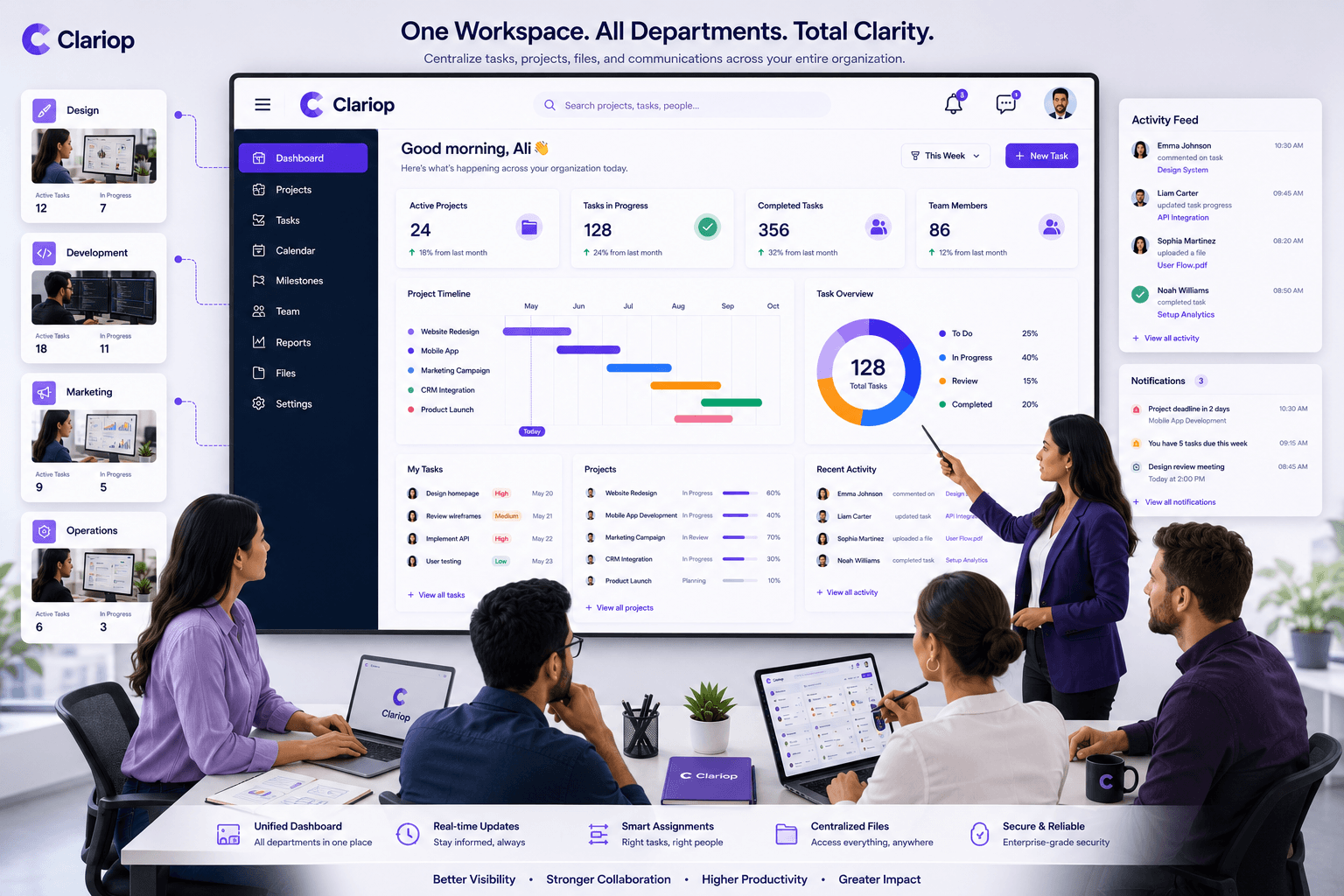
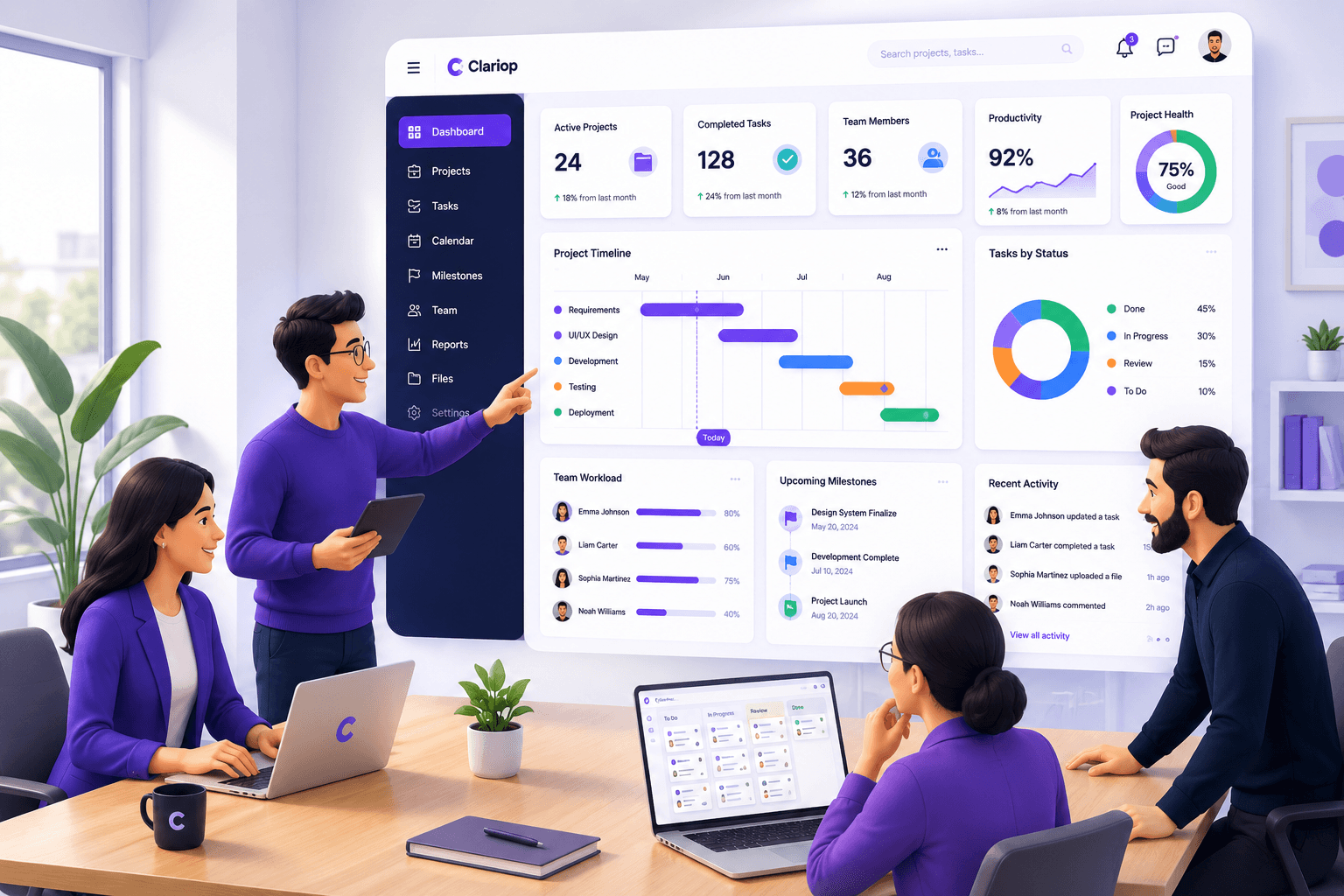
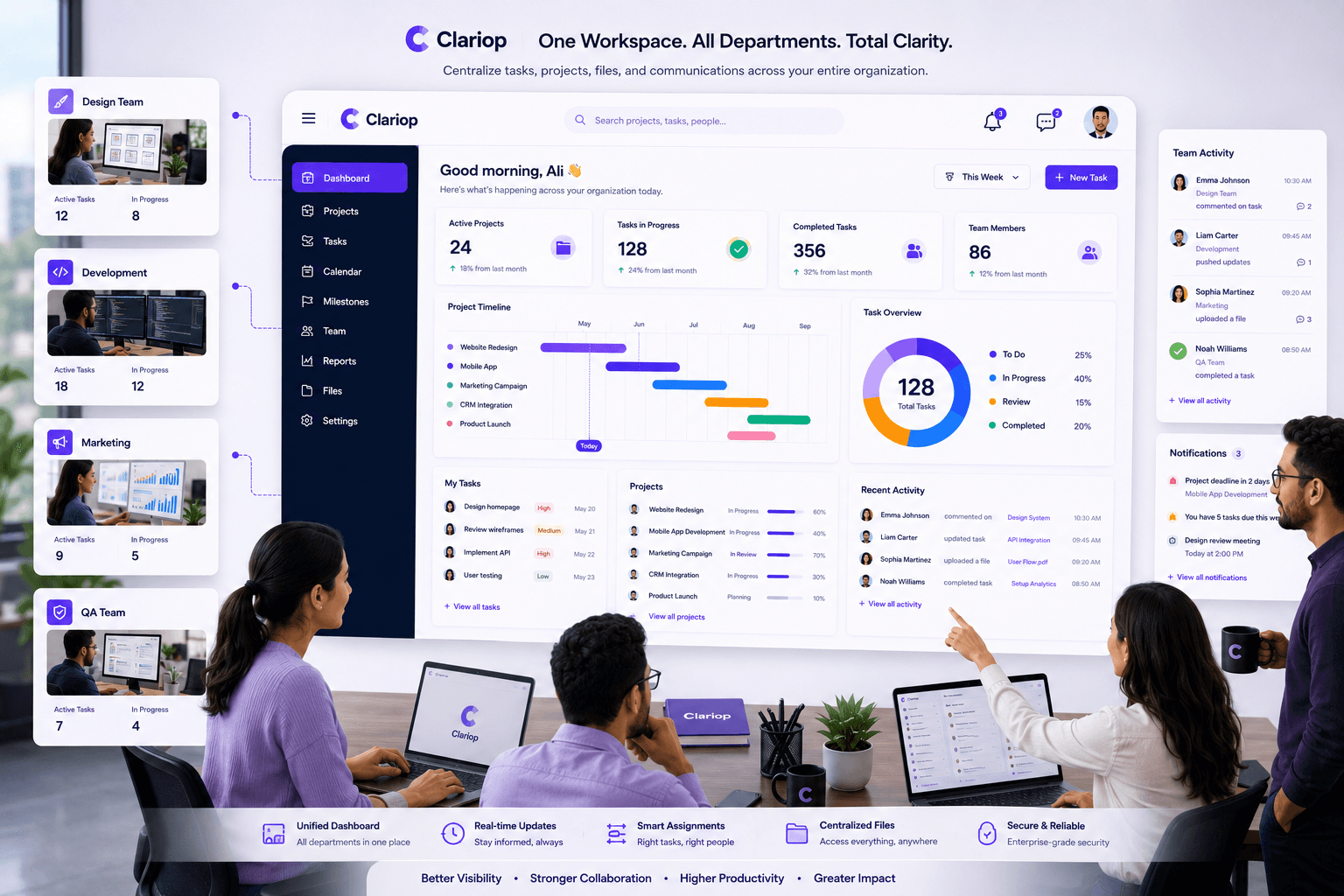
Clariop is designed to help teams stay aligned through structured coordination rather than relying on constant messaging.
Managers can:
- Assign tasks
- Monitor progress
- Review activity updates
- Share files
- Add comments
- Receive notifications
- View project status
- Track responsibilities
Everything happens within one connected workspace, making it easier for teams to stay organized and productive.
As businesses become more complex, effective team coordination becomes essential.
Organizations that create clear responsibilities, improve visibility, centralize information, and maintain structured workflows are better equipped to deliver projects successfully and adapt to changing priorities.
Investing in better coordination is not about adding more meetings—it's about giving teams the clarity they need to do their best work.
What is team coordination?
Team coordination is the process of organizing people, responsibilities, workflows, and information so that everyone works efficiently toward shared goals.
Why is team coordination important?
It improves visibility, accountability, productivity, and communication while reducing delays and duplicated work.
Is team coordination the same as collaboration?
No. Collaboration focuses on working together, while coordination focuses on organizing work, responsibilities, and progress to keep everyone aligned.
How can software improve team coordination?
Team coordination software centralizes tasks, updates, comments, files, and notifications, making it easier for teams to stay informed and organized.
Successful teams don't just communicate—they stay coordinated. Start your 30-day free trial with Clariop and manage tasks, activity updates, comments, files, and team responsibilities from one centralized workspace designed to improve visibility and accountability.

 James Okafor