As businesses grow, coordinating people, projects, and priorities becomes increasingly complex. Teams often work across departments, locations, and time zones, making it essential to have a structured approach to coordination.
Without clear coordination, organizations experience duplicated work, communication gaps, delayed decisions, and missed deadlines. The good news is that these challenges can be significantly reduced by adopting a few proven best practices.
This guide outlines ten practical team coordination best practices that help organizations improve productivity, strengthen accountability, and keep projects moving forward.
Team coordination is more than simply keeping everyone informed.
It ensures that:
- Responsibilities are clearly defined
- Information is easy to access
- Workflows remain organized
- Progress is visible
- Teams stay aligned toward common goals
Organizations that invest in better coordination create smoother operations and more predictable project outcomes.
One of the biggest coordination challenges is scattered information.
Project updates stored across emails, spreadsheets, messaging platforms, and shared folders make it difficult for teams to find the information they need.
Keeping everything in one centralized workspace improves visibility and reduces confusion.
2. Clearly Define Roles and Responsibilities
Every team member should understand:
- Their responsibilities
- Their priorities
- Their deadlines
- Their project ownership
Clear ownership improves accountability and reduces duplicated work.
3. Standardize Project Workflows
When every project follows a different process, coordination becomes difficult.
Standard workflows help teams know:
- How work begins
- Who reviews it
- How approvals happen
- When projects move to the next stage
Consistency creates efficiency.
Visibility reduces uncertainty.
Managers and team members should be able to see:
- Completed tasks
- Active work
- Upcoming deadlines
- Recent updates
- Overall project progress
A transparent workflow reduces unnecessary follow-up conversations.
Communication is most effective when it stays connected to the work itself.
Instead of discussing projects across multiple tools, keep comments, files, and updates attached directly to tasks and projects.
This provides valuable context for everyone involved.
Business priorities change.
Regularly reviewing project priorities helps teams adjust quickly without disrupting overall operations.
Short weekly reviews are often enough to keep everyone aligned.
Overloading a few high-performing employees while others remain underutilized creates bottlenecks.
Managers should regularly review workloads to ensure tasks are distributed fairly and resources are used effectively.
Balanced workloads improve both productivity and employee satisfaction.
Verbal conversations are easily forgotten.
Important decisions should be documented within the project so that everyone can reference them later.
This improves transparency and reduces misunderstandings.
Many organizations spend significant time in meetings simply to ask for status updates.
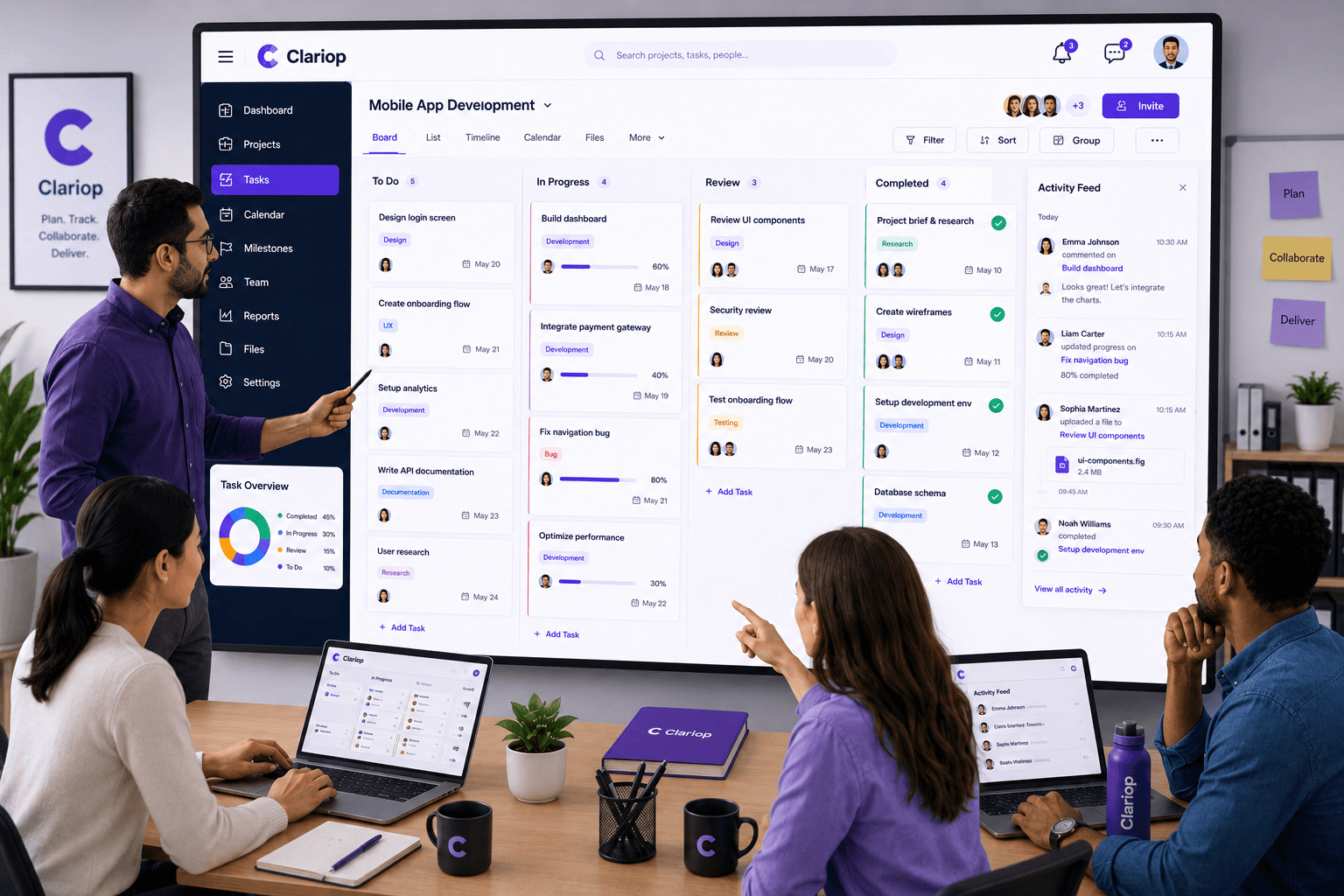
A centralized activity feed allows everyone to see recent progress without interrupting productive work.
Meetings can then focus on solving problems rather than reporting status.
As organizations expand, manual coordination becomes increasingly difficult.
Team coordination software helps businesses:
- Organize projects
- Assign responsibilities
- Share activity updates
- Store files
- Track progress
- Maintain visibility
- Improve accountability
Everything remains connected within one platform.
Organizations often reduce efficiency by:
- Working from multiple disconnected tools
- Failing to assign clear ownership
- Holding unnecessary meetings
- Keeping project information scattered
- Ignoring workload balance
- Not documenting decisions
- Providing limited visibility into project progress
Avoiding these mistakes helps create a more organized and productive work environment.
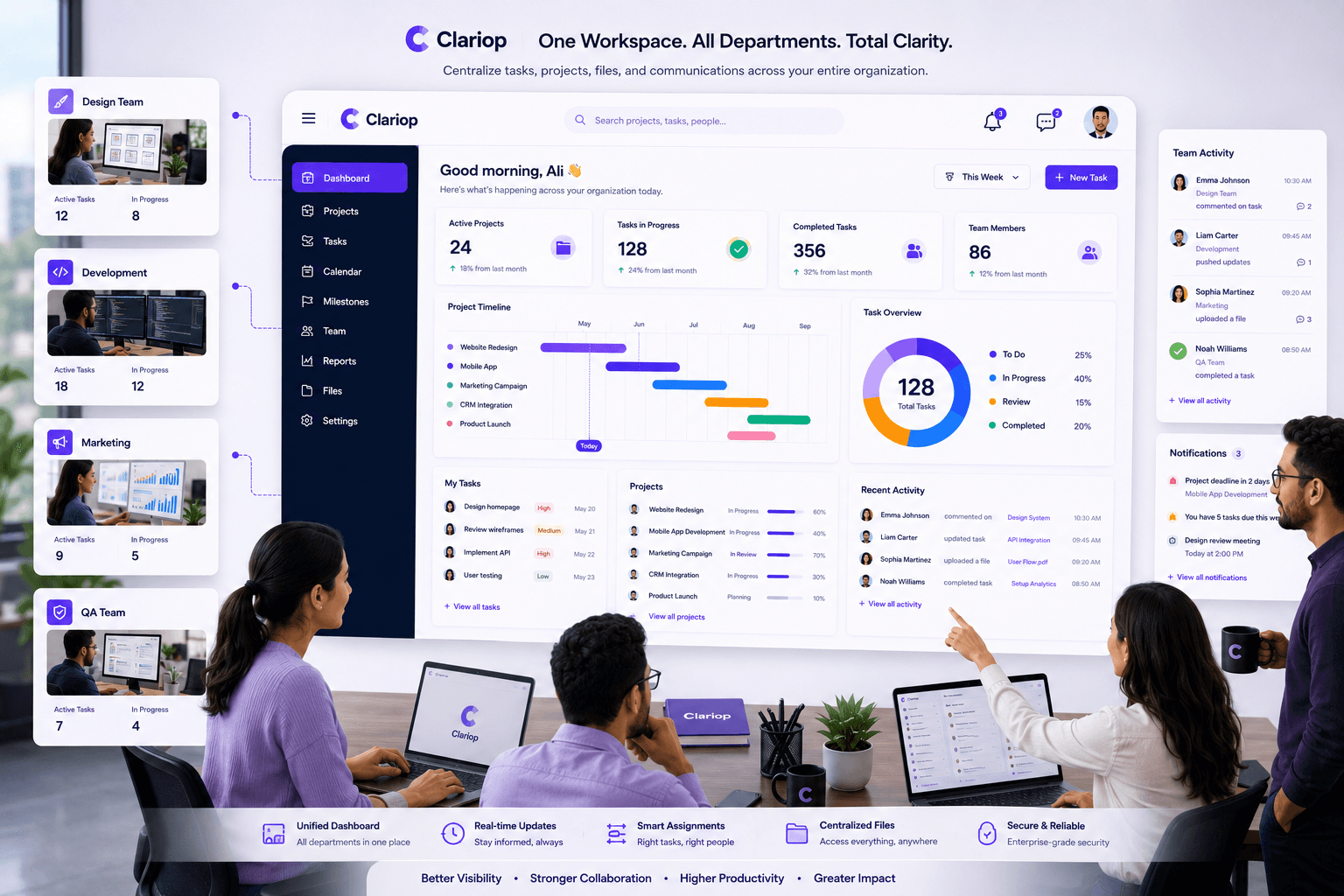
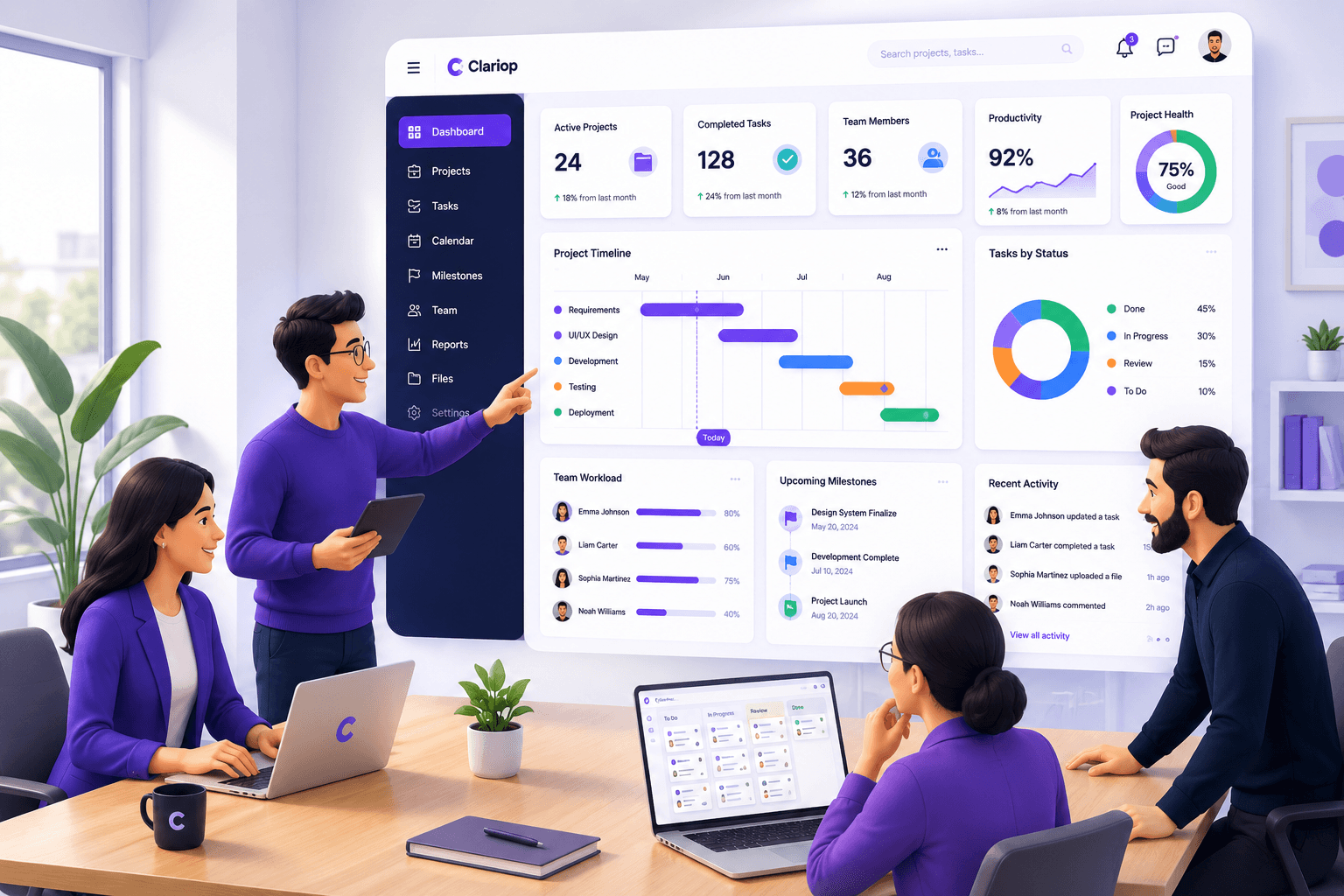
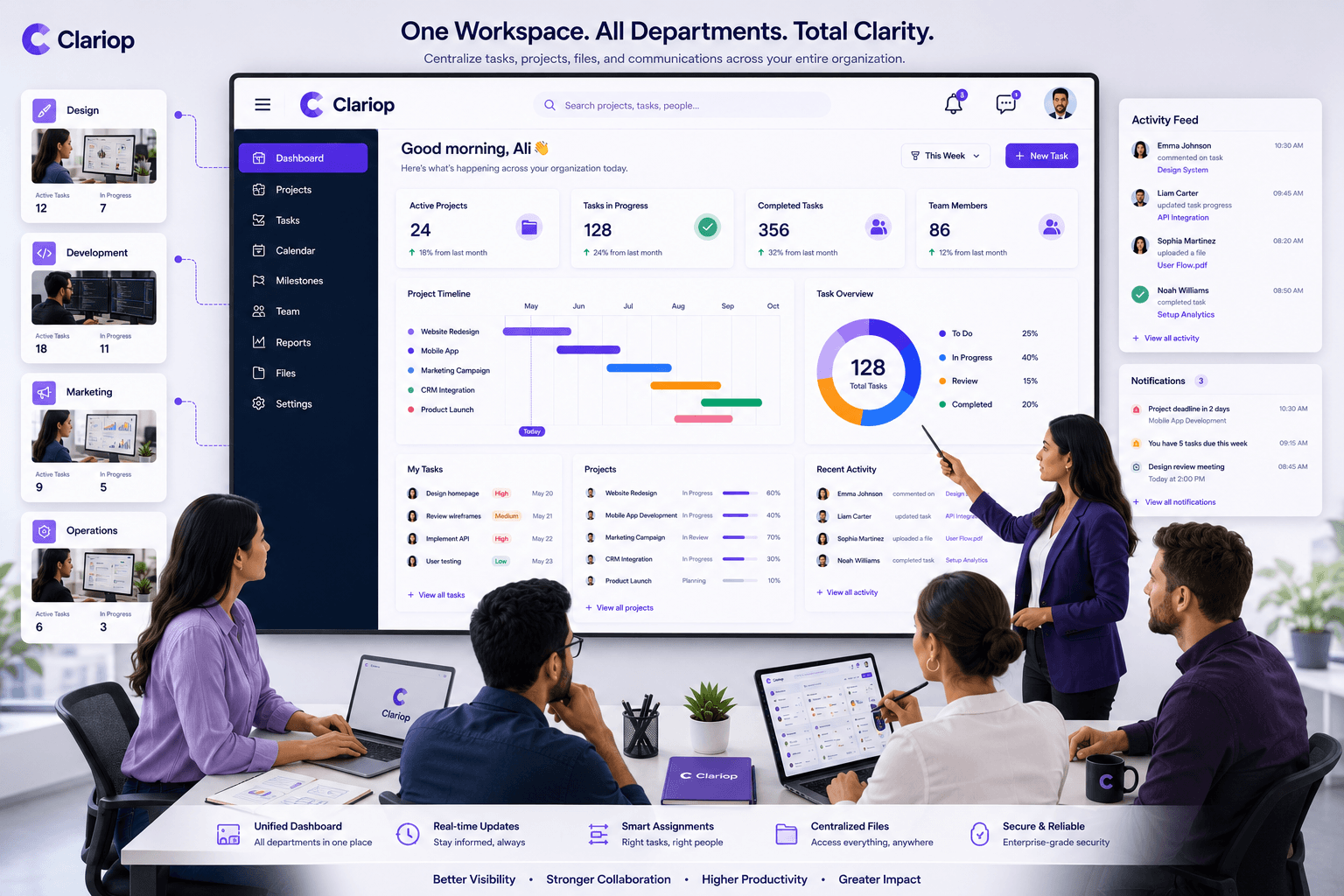
Clariop is designed to simplify team coordination through centralized project management, task tracking, activity updates, comments, notifications, file management, and reporting.
Rather than relying on multiple applications, teams can coordinate their daily work from one organized workspace.
This improves visibility, strengthens accountability, and helps organizations deliver projects with greater confidence.
Strong team coordination doesn't happen automatically—it requires clear processes, shared visibility, and the right tools.
Organizations that standardize workflows, improve transparency, balance workloads, and centralize project information create an environment where teams can perform at their best.
By adopting these best practices, businesses improve not only project delivery but also employee engagement and long-term operational efficiency.
What are team coordination best practices?
They are proven methods that help teams organize responsibilities, improve visibility, strengthen accountability, and work more efficiently together.
Why is team coordination important?
It reduces confusion, improves communication, increases productivity, and helps organizations deliver projects successfully.
How can managers improve team coordination?
Managers should centralize information, assign clear ownership, review priorities regularly, balance workloads, and provide visibility into project progress.
Can team coordination software replace meetings?
It won't eliminate every meeting, but it significantly reduces routine status meetings by providing real-time visibility into work and progress.
Better coordination leads to better results. With Clariop, your team can manage tasks, monitor progress, share updates, attach files, and stay aligned from one centralized workspace. Start your 30-day free trial today and experience a more organized way to work.

 James Okafor