Have you ever reached the end of a busy day only to realize that the most important work still hasn't been completed?
This happens because being busy is not the same as being productive.
Many professionals spend their time responding to emails, attending meetings, or handling urgent requests while neglecting the tasks that create the greatest business value.
Effective task prioritization helps individuals and teams focus on what matters most. Instead of reacting to work, they execute work strategically.
In this guide, you'll learn ten practical techniques for prioritizing tasks and improving productivity without overwhelming your team.
Every business has limited resources, limited time, and competing priorities.
Without a structured prioritization process, teams often experience:
- Constant interruptions
- Missed deadlines
- Burnout
- Confusion
- Delayed projects
- Low productivity
Prioritizing work ensures that the most valuable activities receive attention first.
Not every task contributes equally to business success.
Ask yourself:
- Does this task impact customers?
- Does it unblock other work?
- Is it tied to a deadline?
- Will delaying it create additional problems?
Tasks that answer "yes" to these questions should receive higher priority.
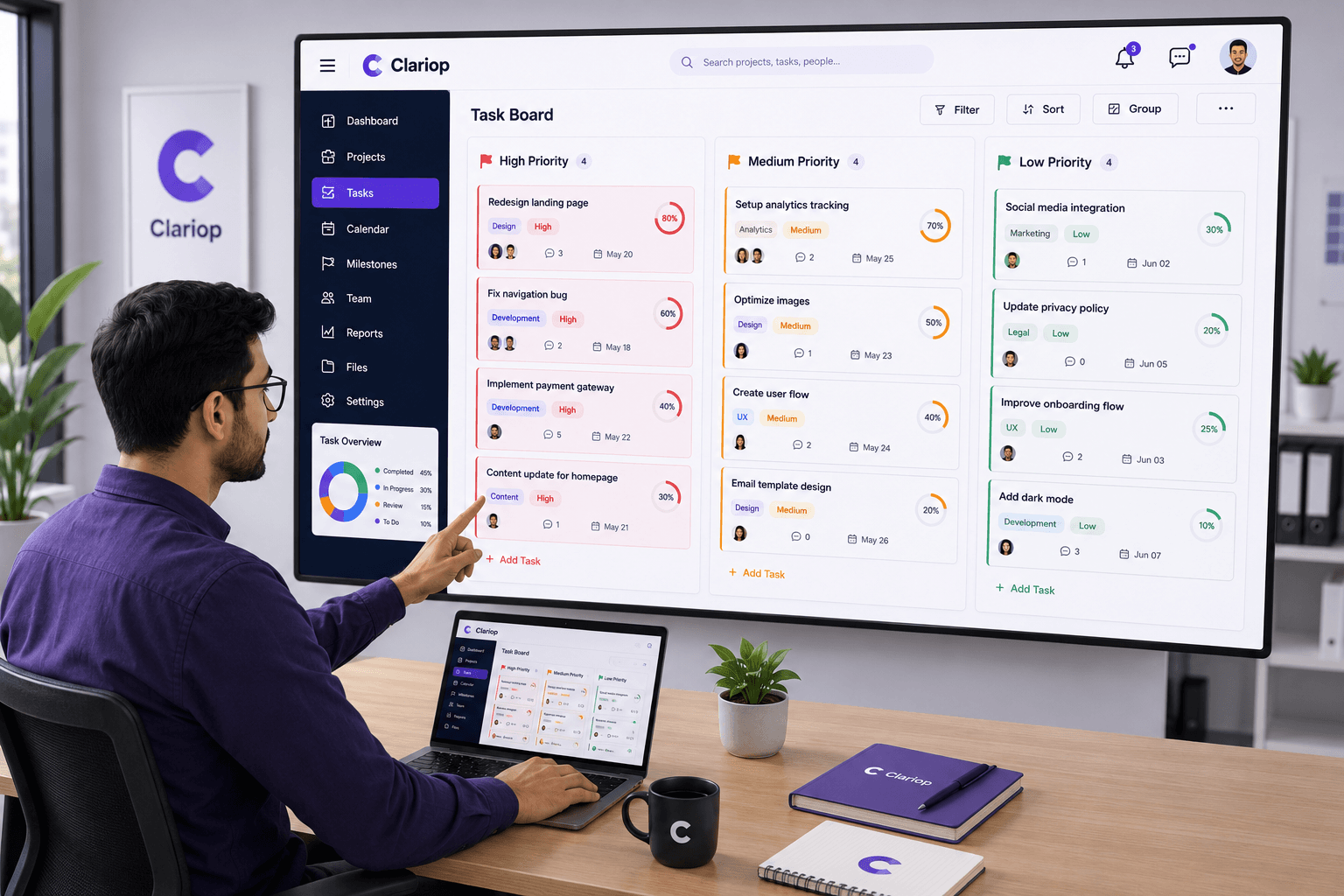
One of the simplest ways to organize work is by assigning priority levels.
For example:
High Priority
Tasks that require immediate attention.
Medium Priority
Important work that should be completed soon.
Low Priority
Tasks that can wait without affecting project success.
This simple system helps teams make faster daily decisions.
Some work cannot begin until another task is completed.
For example:
- Design before development.
- Requirements before implementation.
- Client approval before production.
Completing dependency tasks first prevents delays across the entire project.
Whenever possible, prioritize tasks that create measurable value.
Examples include:
- Client deliverables
- Revenue-generating activities
- Critical bug fixes
- Compliance requirements
High-value work should always receive attention before low-impact administrative tasks.
Deadlines help teams organize work—but only when they are achievable.
Avoid assigning unrealistic due dates simply to create urgency.
Instead, estimate effort carefully and include time for reviews, testing, and approvals.
Many teams lose productivity because they attempt to work on too many tasks simultaneously.
Encourage team members to finish important work before starting new assignments.
Completing fewer tasks with higher quality is more valuable than partially completing many tasks.
Business priorities change.
Client requests, operational issues, and new opportunities can quickly affect planned work.
A short daily review helps ensure the team's priorities remain aligned with current business goals.
If every task is marked "High Priority," then nothing is truly prioritized.
Reserve the highest priority level for work that genuinely affects project success or business continuity.
Balanced prioritization helps teams stay focused and reduces unnecessary stress.
Priorities should be visible to the entire team.
When everyone understands which work comes first, collaboration improves and misunderstandings decrease.
Centralized task management systems make priority changes immediately visible to all stakeholders.
Managing priorities through spreadsheets or emails quickly becomes difficult.
Task management software allows teams to:
- Assign priorities
- Update statuses
- Track progress
- Share comments
- Attach files
- Monitor workloads
Everything stays organized in one place.
Many organizations unintentionally reduce productivity by:
- Working without clear priorities
- Constantly switching between tasks
- Ignoring dependencies
- Overloading team members
- Treating every request as urgent
- Failing to review priorities regularly
Recognizing these habits is the first step toward improving productivity.
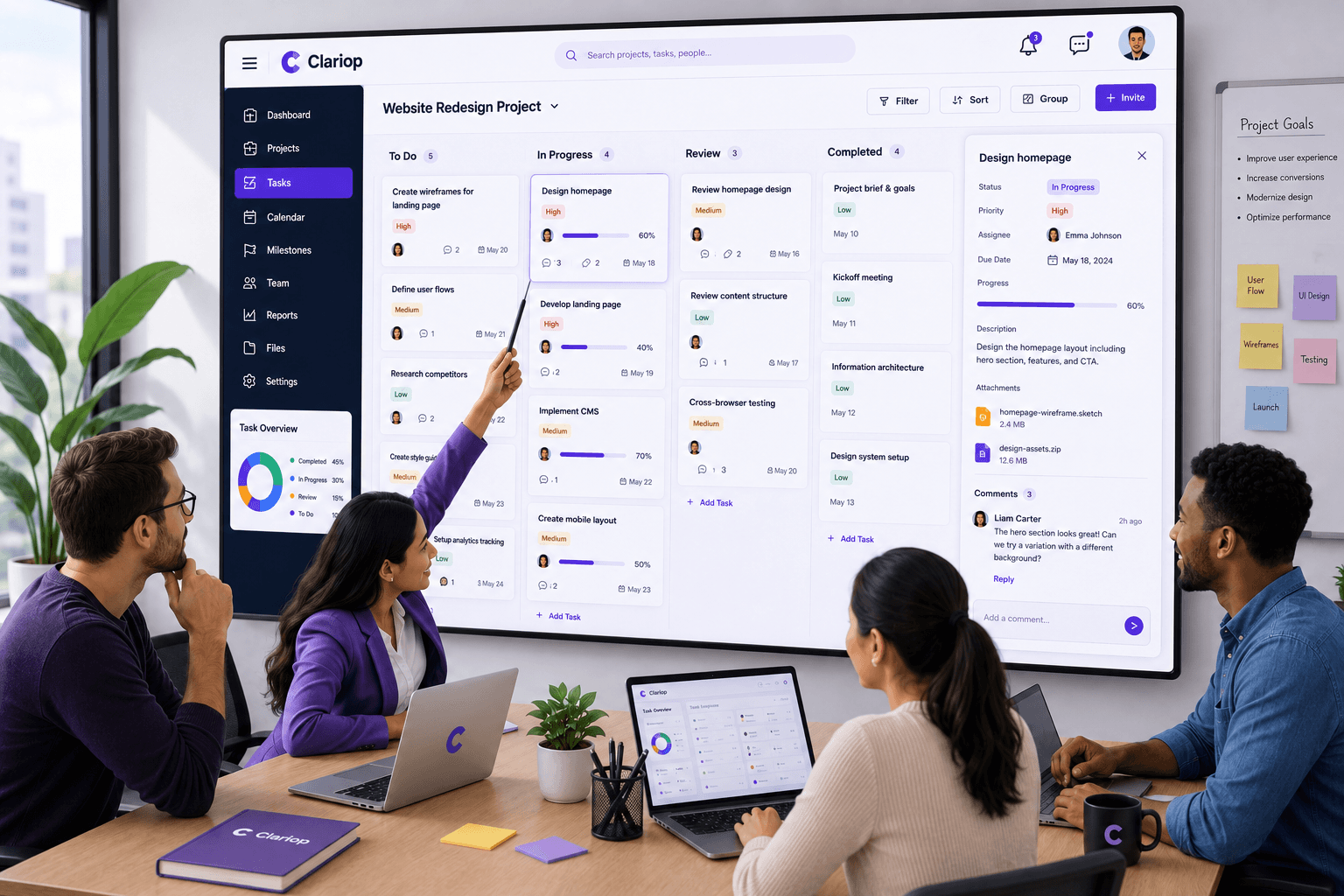
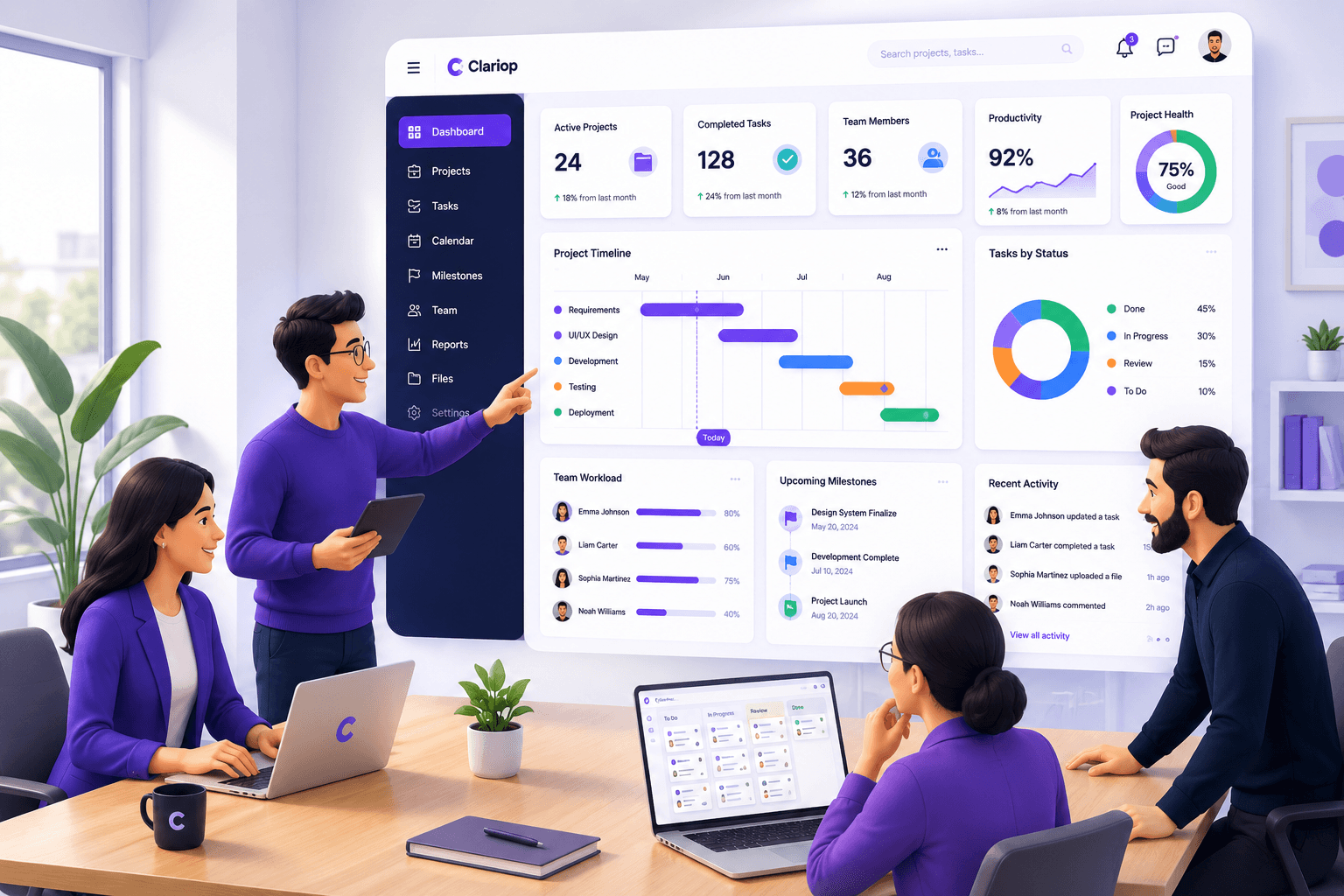
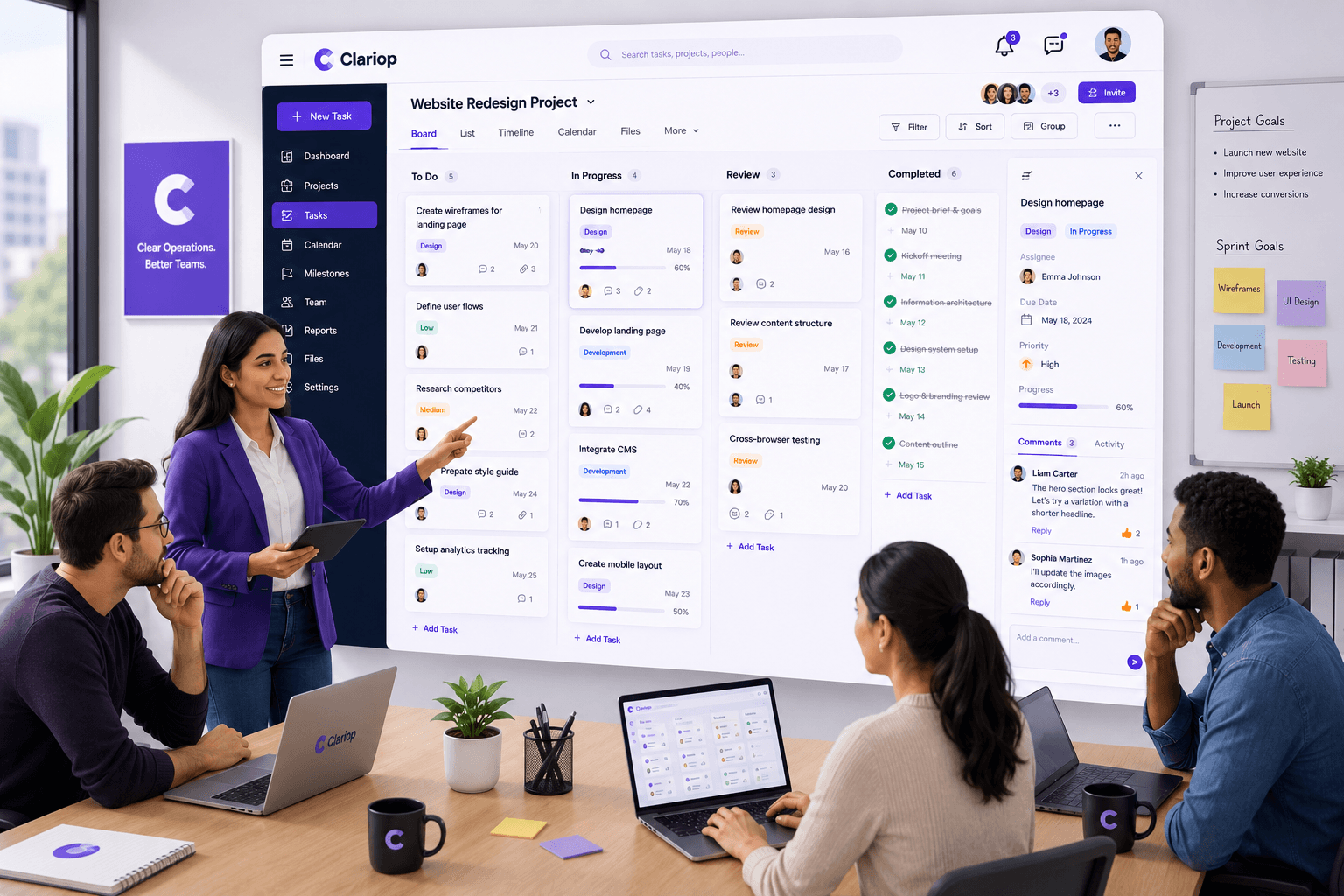
Clariop simplifies task prioritization through an intuitive workspace where managers can organize work by priority, assign responsibilities, monitor progress, and collaborate through comments and activity updates.
Instead of managing work across multiple disconnected tools, teams gain complete visibility into what needs attention first.
This allows organizations to reduce delays, improve accountability, and make better operational decisions every day.
Task prioritization is one of the simplest ways to improve productivity without increasing workload.
When teams consistently focus on the highest-value work, projects move faster, deadlines become easier to meet, and business outcomes improve.
By combining practical prioritization techniques with modern task management software, organizations create a more organized, efficient, and productive work environment.
Why is task prioritization important?
It helps teams focus on high-value work, reduce delays, improve productivity, and complete projects more efficiently.
What is the easiest way to prioritize tasks?
Many teams use simple High, Medium, and Low priority levels to organize work effectively.
How often should priorities be reviewed?
Daily or weekly reviews help ensure work remains aligned with changing business needs.
Can task management software improve prioritization?
Yes. Modern software makes priorities visible, simplifies collaboration, and helps managers monitor workloads and progress in real time.
Give your team the clarity they need to focus on the work that matters most. Start your 30-day free trial with Clariop and organize tasks, priorities, comments, and progress from one centralized workspace.

 Sarah Mitchell